Tomorrowish · Relight help · Sengled bulb help
RELIGHT · FOR SENGLED WI-FI BULBS
Your Sengled Wi-Fi lights, back on your iPhone.
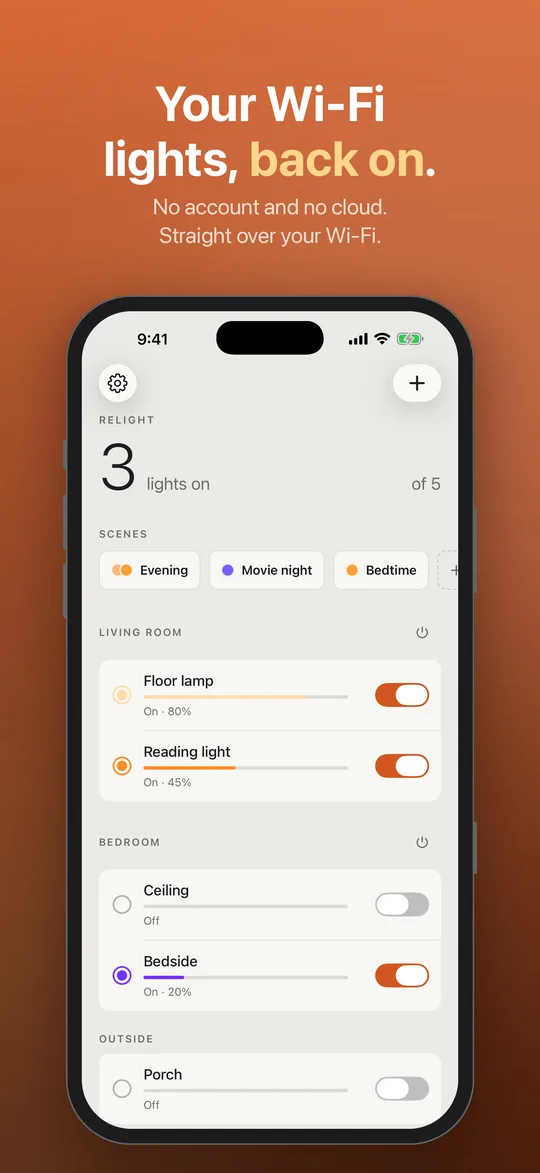
The Sengled Home app won't sign you in? Relight is an independent iPhone app that talks to Sengled Wi-Fi bulbs directly over your home Wi-Fi. No account, no cloud, nothing to log in to.
Free for 2 lights. Relight Pro is a one-time $3.99.
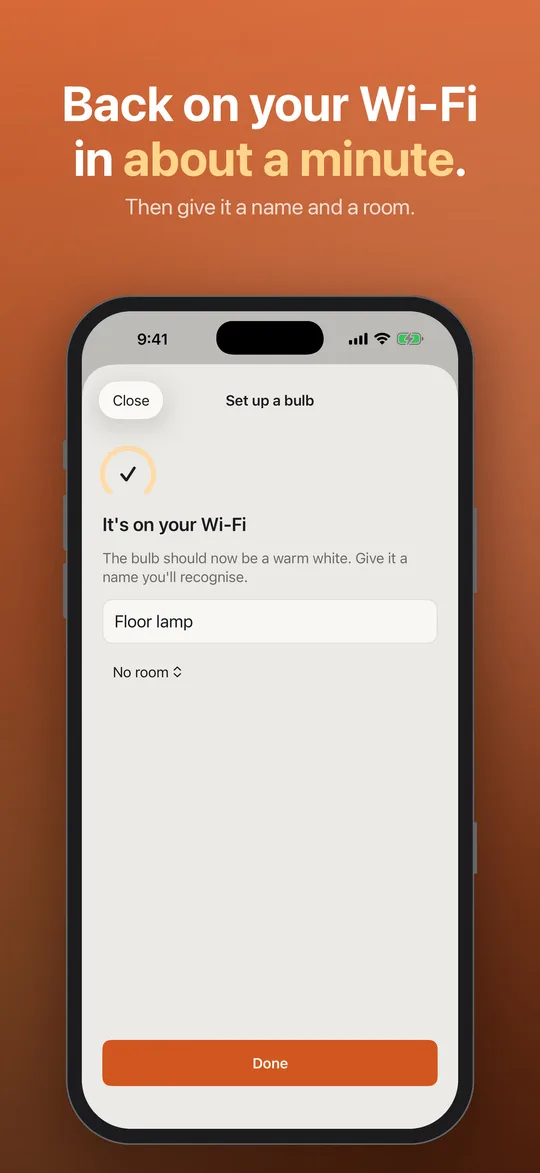
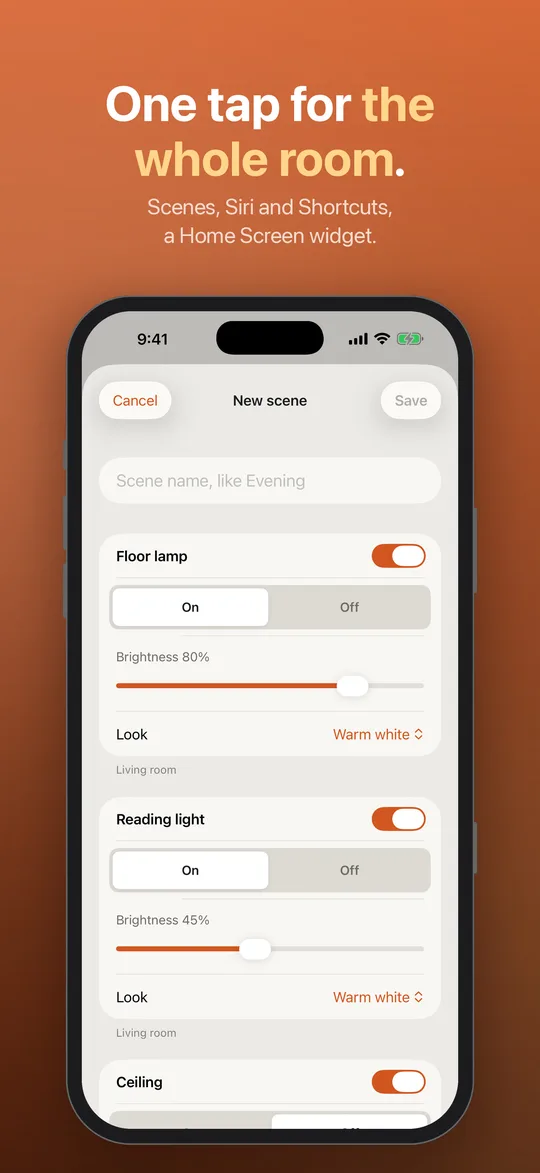
What it does
- Finds your lights on your Wi-Fi in a few seconds, and lists every one.
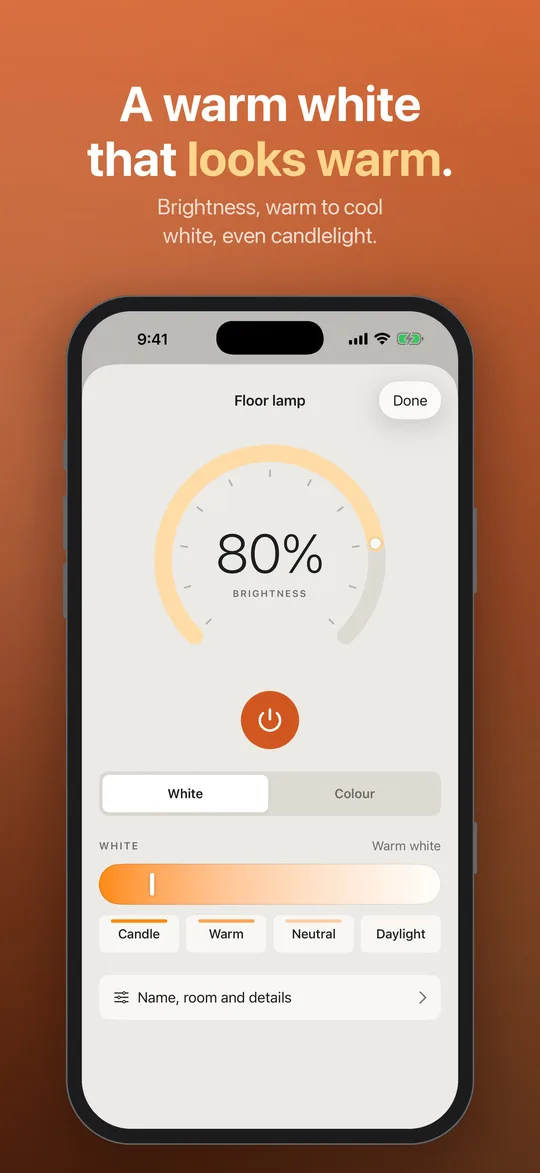
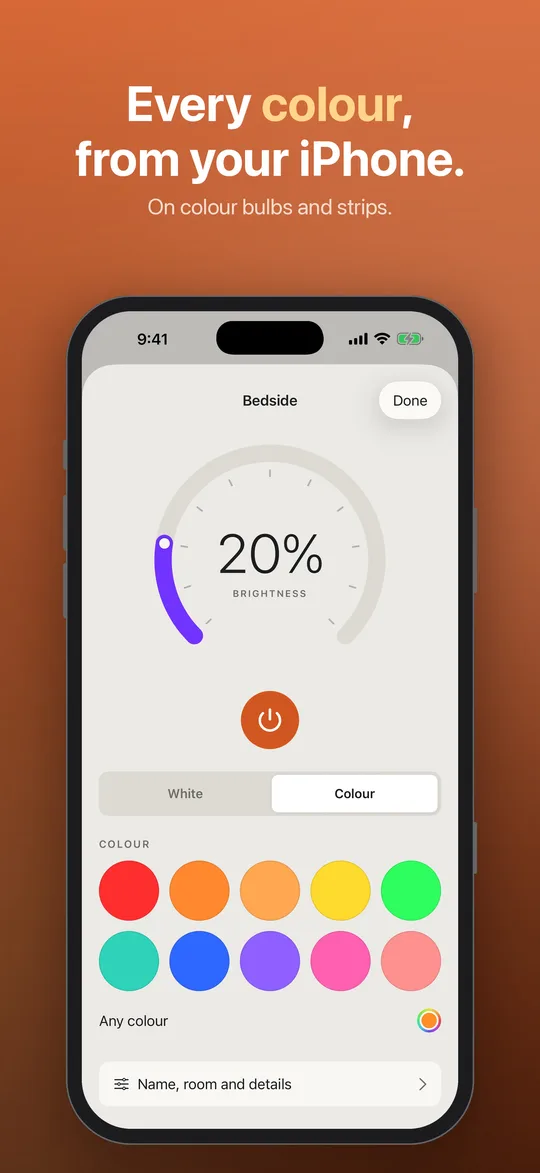
- On and off, brightness, warm to cool white and colour, with a warm white that looks warm and a candle-like amber for evenings.
- Names and rooms, with all on or all off per room.
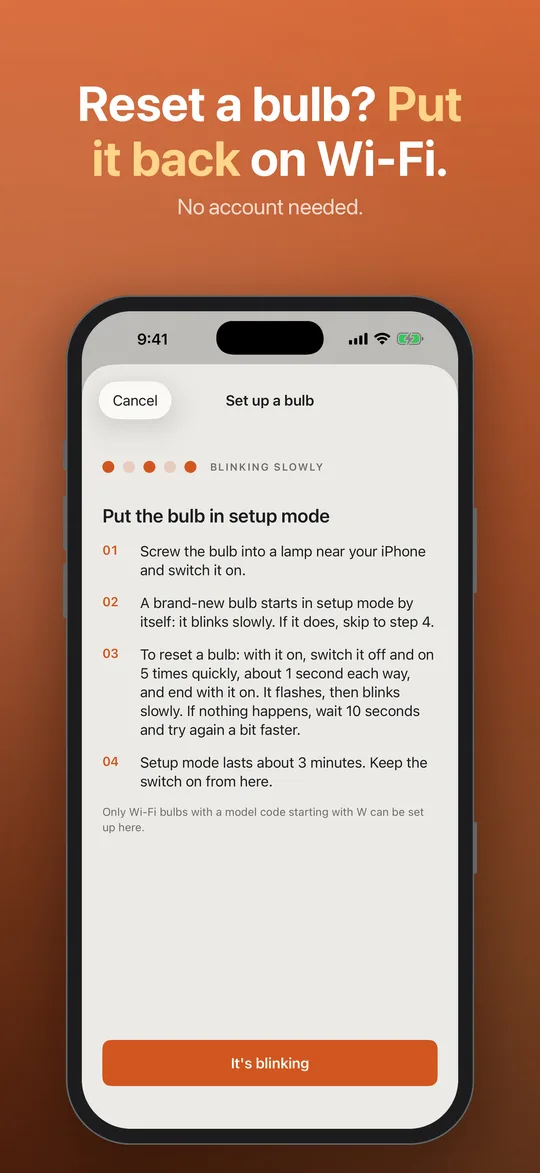
- Sets up a reset bulb again without an account (the newest part; see below).
- Pro, once: every light, scenes, Siri and Shortcuts actions, schedules through a Shortcuts automation, and a Home Screen widget. Family Sharing included.
Good to know before you download
- Wi-Fi bulbs only. The code on the base starts with W (W21-N13, W11-N13, W31-N15...). Zigbee (E) and Bluetooth (B) bulbs don't join your Wi-Fi, so Relight can't reach them. Which do I have?
- At home only. No cloud means your iPhone has to be on the same Wi-Fi as the bulbs, and schedules run from your iPhone.
- No Alexa or Google Home. Siri works through Shortcuts with Pro.
- Setting up reset bulbs is new. Controlling bulbs that are still on your Wi-Fi was tested on a real W21-N13; the in-app setup for reset bulbs follows the same steps but hasn't been tried on every model yet.
- iPhone with iOS 17 or later. A built-in demo shows how it works before you have a bulb to hand.
Private by design
Relight collects nothing. Commands go straight from your iPhone to your lights. Your Wi-Fi password, typed during bulb setup, goes only to the bulb and isn't kept. Privacy policy.
Questions
Which bulbs does Relight work with?
Sengled Wi-Fi bulbs and strips: the model code on the base starts with W, like W21-N13, W11-N13 or W31-N15. Zigbee (E) and Bluetooth (B) bulbs don't work with it.
Do I need a Sengled account?
No. Relight talks to the bulbs directly on your home Wi-Fi. There is no Sengled sign-in and no Relight account.
Is it free?
Full control of 2 lights is free, and you choose which 2. Relight Pro is a one-time $3.99 for every light, scenes, Siri and Shortcuts, and a Home Screen widget. No subscription; Family Sharing included.
Can I control my lights away from home?
No. Relight has no cloud by design, so your iPhone has to be on the same Wi-Fi as the bulbs.
Does it work with Alexa or Google Home?
No. With Relight Pro you can use Siri through Shortcuts while your iPhone is home.
Can it set up a bulb that was reset?
Yes, Relight has a setup flow for reset bulbs, with no account. It is the newest part of the app and hasn't been tried on every model yet, so if your bulbs still work, don't reset them just to use it.
Something not working?
See Relight support, or email hello@tomorrowish.dev with your bulb's model code and what you see.
Sengled bulb help
Plain, sourced answers that work with or without Relight:
- Sengled Home app not working or won't let you log in: what you can still do
- Is Sengled out of business? What we know, and what still works
- How to control Sengled Wi-Fi bulbs without the Sengled app
- How to reset a Sengled Wi-Fi bulb (and what a reset does)
- Sengled bulbs not working with Alexa or Google Home: what changed
- Is my Sengled bulb Wi-Fi, Zigbee or Bluetooth? Read the model code