Tomorrowish · iPhone Duo screenshot sizes
Duo Shots
Drop in raw captures from the iPhone Duo simulator, write a caption for each, and download App Store screenshots at Apple's exact iPhone Duo sizes: 1398 × 2034 or 2034 × 1398 for the outer display, 2007 × 2853 or 2853 × 2007 for the inner display.
Your images never leave this page: framing happens in your browser and nothing is uploaded. Exports are RGB PNG with no alpha channel (or JPEG), which is what App Store Connect accepts. Not affiliated with Apple; "iPhone Duo" is used only to name the screen sizes.
1. Your captures
No captures yet.
2. Look
Put a word in *asterisks* to colour it with the highlight colour, e.g. Stay *awake* on long drives.
3. Export
Free: preview everything, and export 2 screenshots per style with a small "made with Duo Shots" corner tag.
What comes out
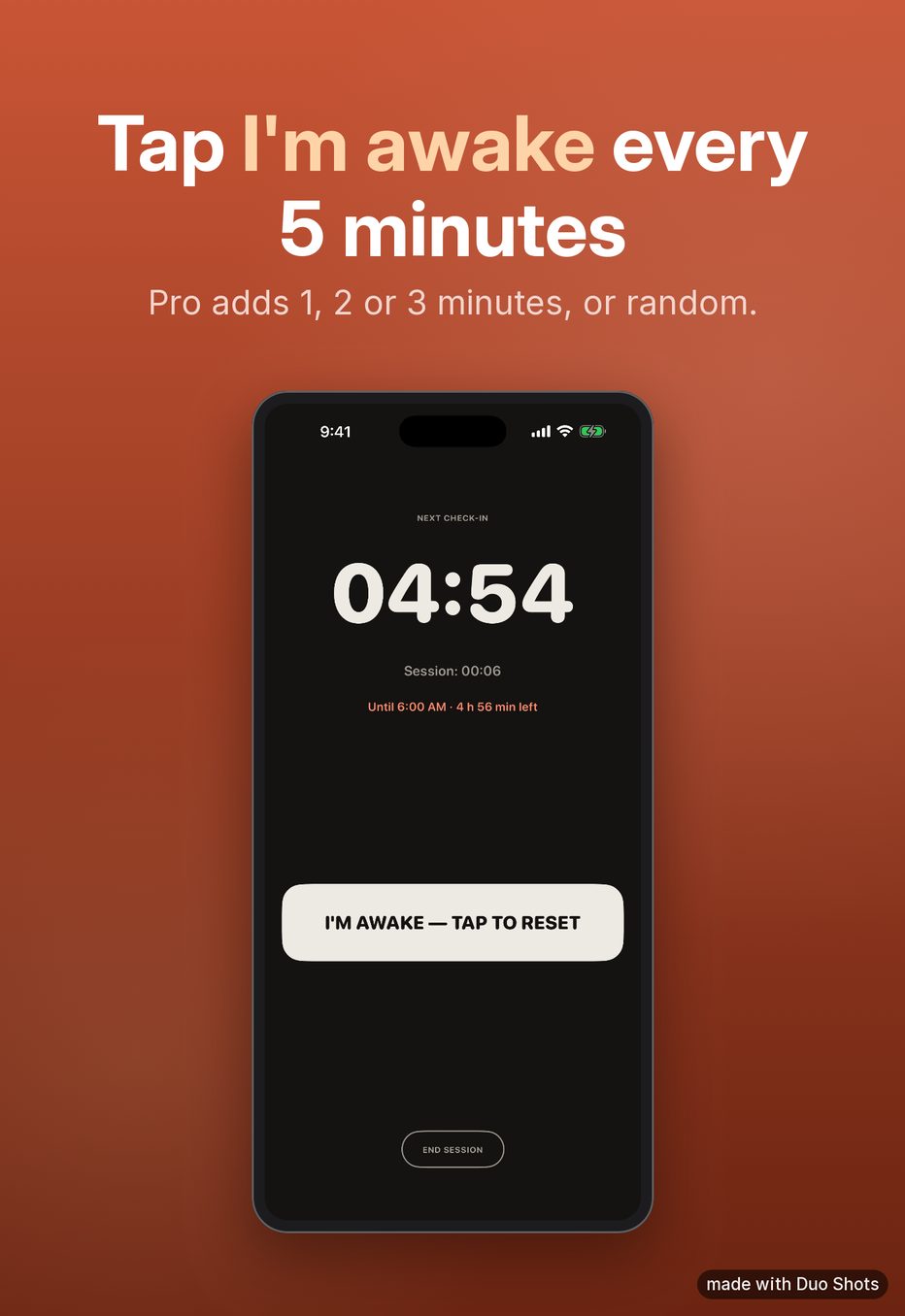
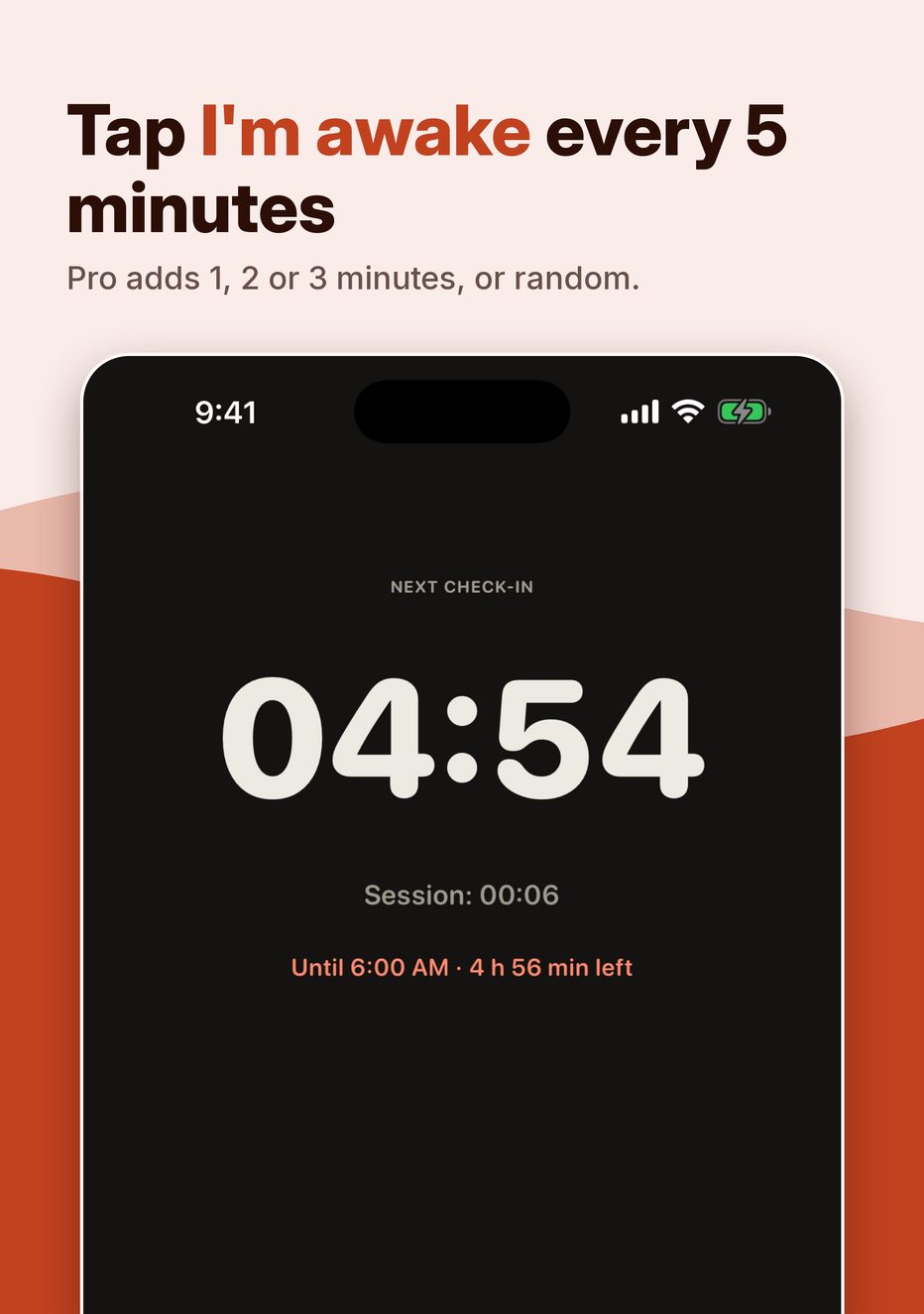
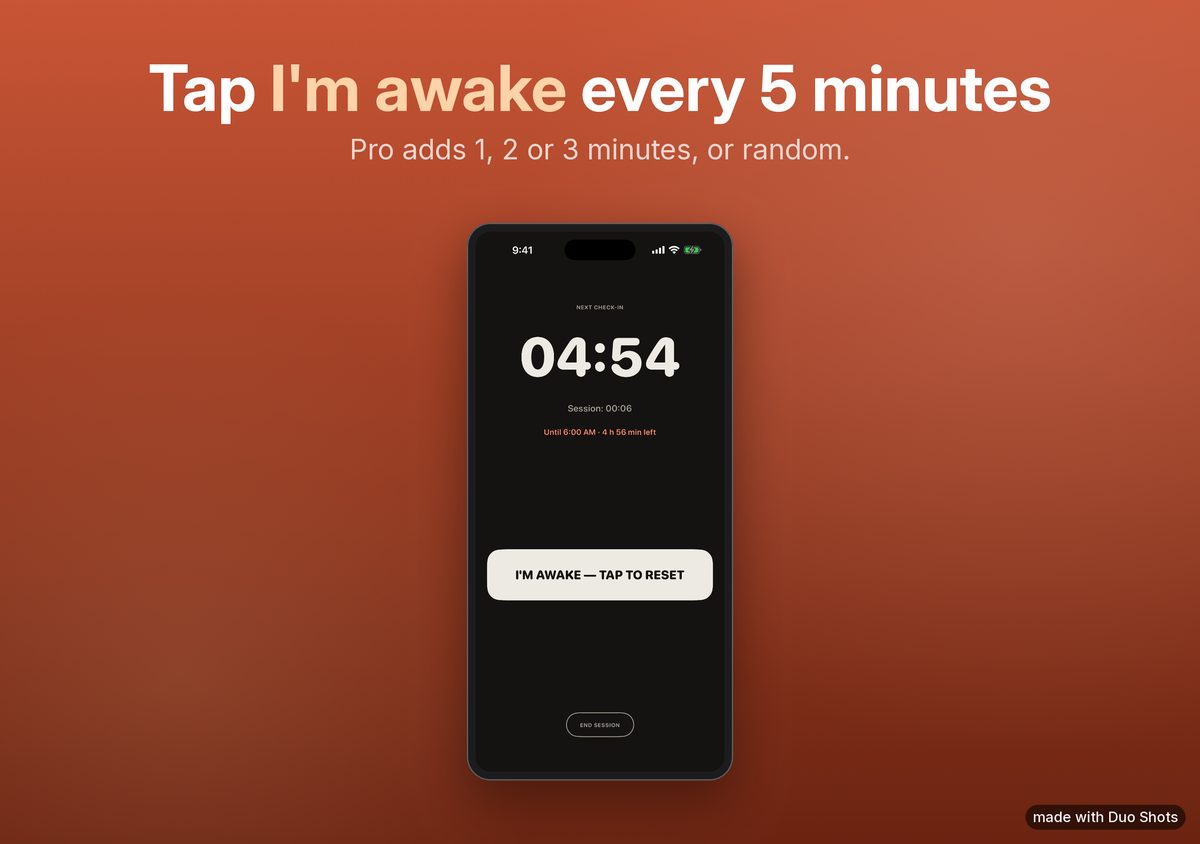
Samples: these use iPhone 6.9" captures of one of our apps (Keep Me Awake, demo data) placed in Duo-sized frames, so the screen looks narrow. Real Duo captures fill the frame. Sizes and output format are exactly what the tool exports.
Getting the raw captures
Boot the iPhone Duo simulator (Xcode 27.1 with the iOS 27.1 simulator runtime), open your app with demo data, and save each display:
xcrun simctl io booted screenshot --display=primary   outer.png   # outer display
xcrun simctl io booted screenshot --display=primary-1 inner.png   # inner display
Display names as reported for the Xcode 27.1 simulator; xcrun simctl list devices and xcrun simctl io booted screenshot --help show yours.
Transparent corners from --mask=alpha are filled in, so any mask works. Full details, every size and the April 2027 rule:
iPhone Duo screenshot sizes.